现在本地生成密钥 ssh-keygen 拷贝公钥到远程主机 ssh-copy-id user@ip 设置别名登陆, 在 ~/.ssh/ 目录下新建 config 文件, 文件内容如下 Host tencent #设置的别名 HostName ip #服务器IP Port 22 #端口号 User root 然后就能使用ssh tencent登陆到该…
正常使用awvs破解版,只能用一次,下一次登陆就不行了 linux 只需要把那两个破解文件+i权限就行了 chattr +i filename 取消 chattr -i filename windows attrib +r filename 取消 attrib -r filename
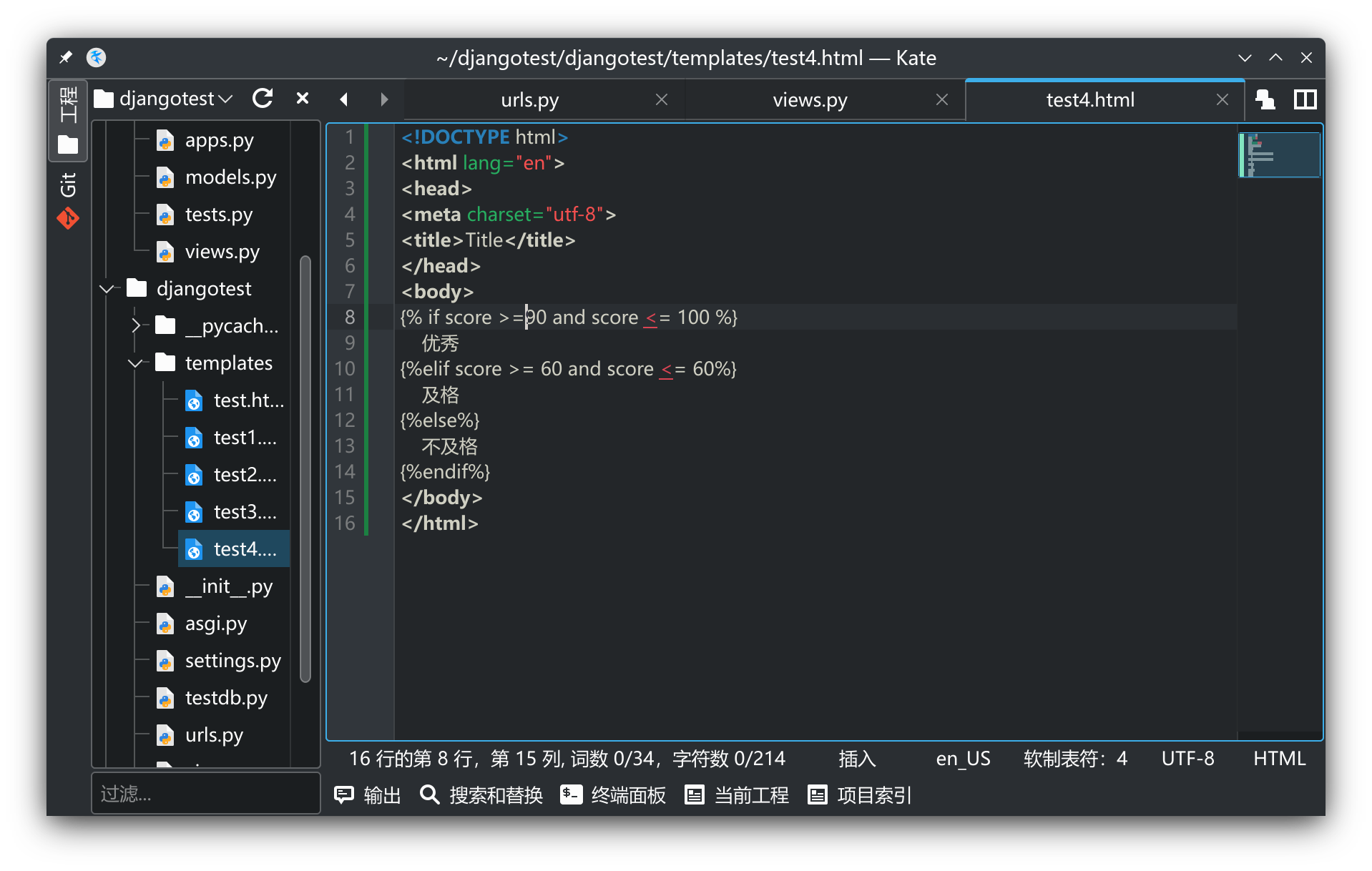
django Could not parse the remainder: ‘>=90’ from ‘>=90’

在学习django的时候用if 编写页面的时候报错 Could not parse the remainder: '>=90' from '>=90' 源代码如下 运行报错 明明看着语法是对的,但是就是报错了 经查阅资料发现,if应该按照这个格式输出才不会报错 {% if 变量名 判断符 条件 %} {% if score <= …
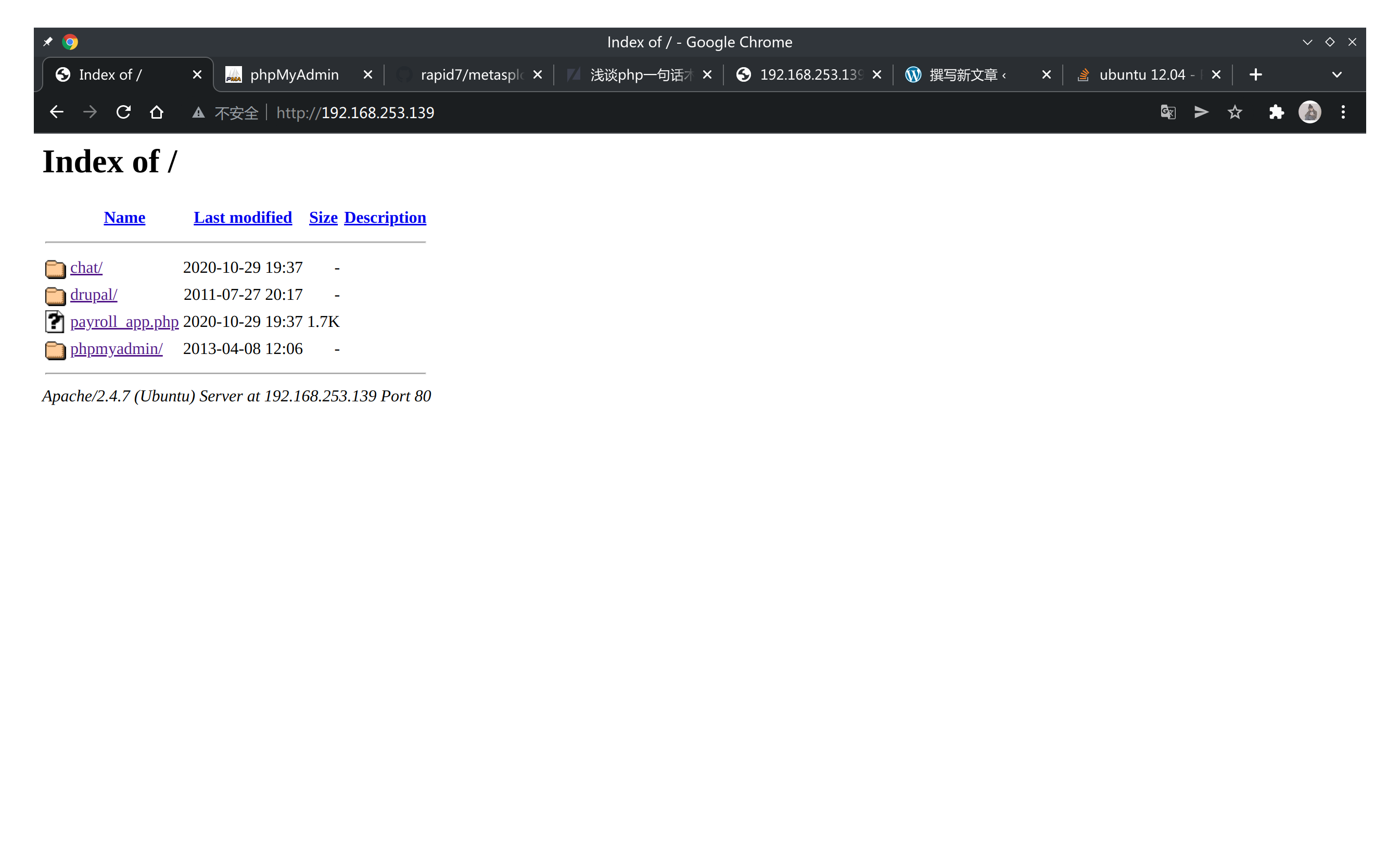
metasploit3 ubuntu靶场提权
靶场链接 : https://github.com/rapid7/metasploitable3 按照提示安装完成,启动虚拟机,网卡选择为桥接,arp-scan -l 你的ip地址扫描出主机 访问虚拟机ip,得到如下页面 各个链接打开暂时为发现简单上传点,nmap扫描端口信息 未发现简单的上传点 dirsearch 扫描网站目录 发现网站存在upl…
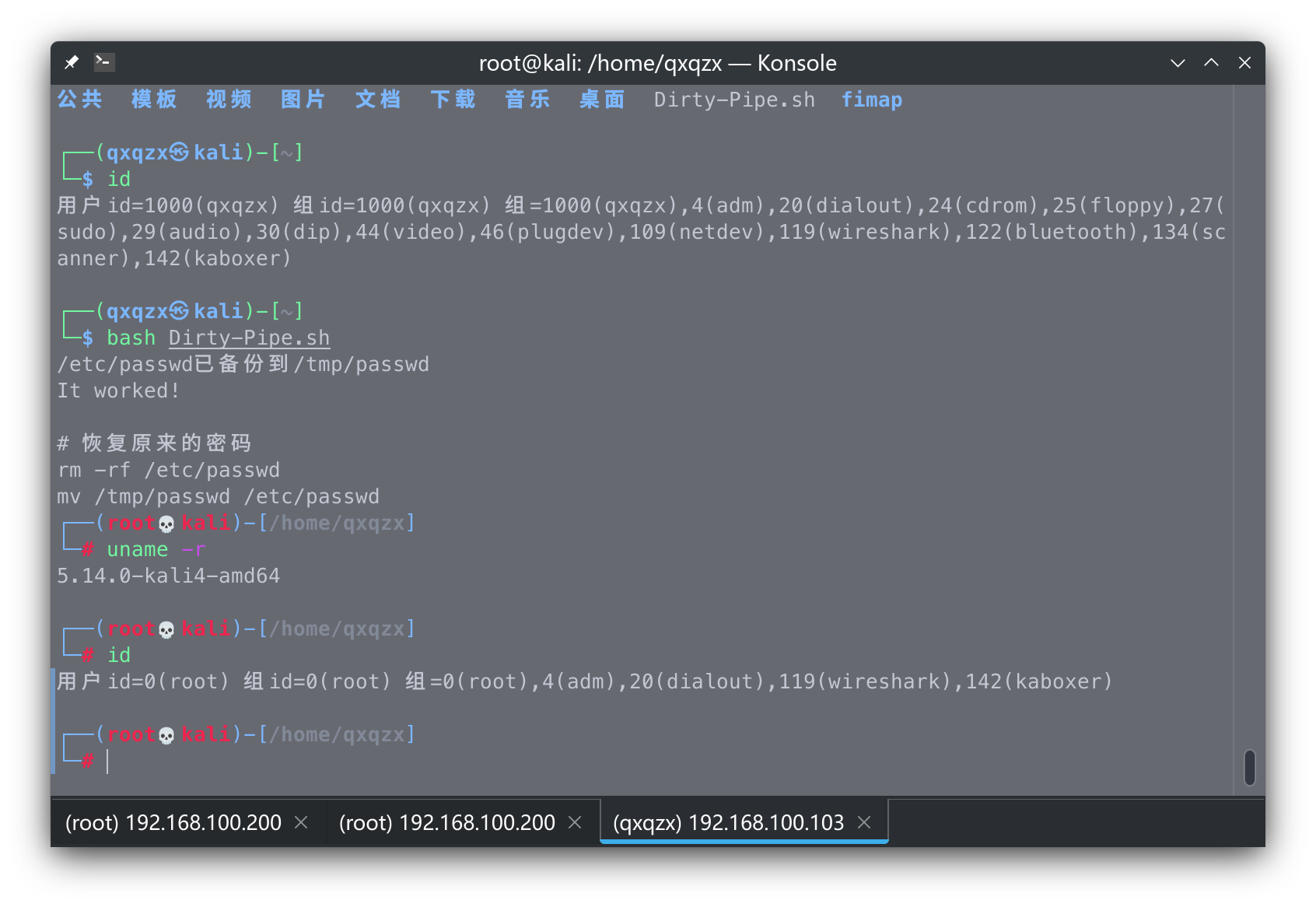
CVE-2022-0847 简单复现
在目标机器上直接运行脚本 复现环境 github https://github.com/imfiver/CVE-2022-0847 原文地址:https://dirtypipe.cm4all.com/
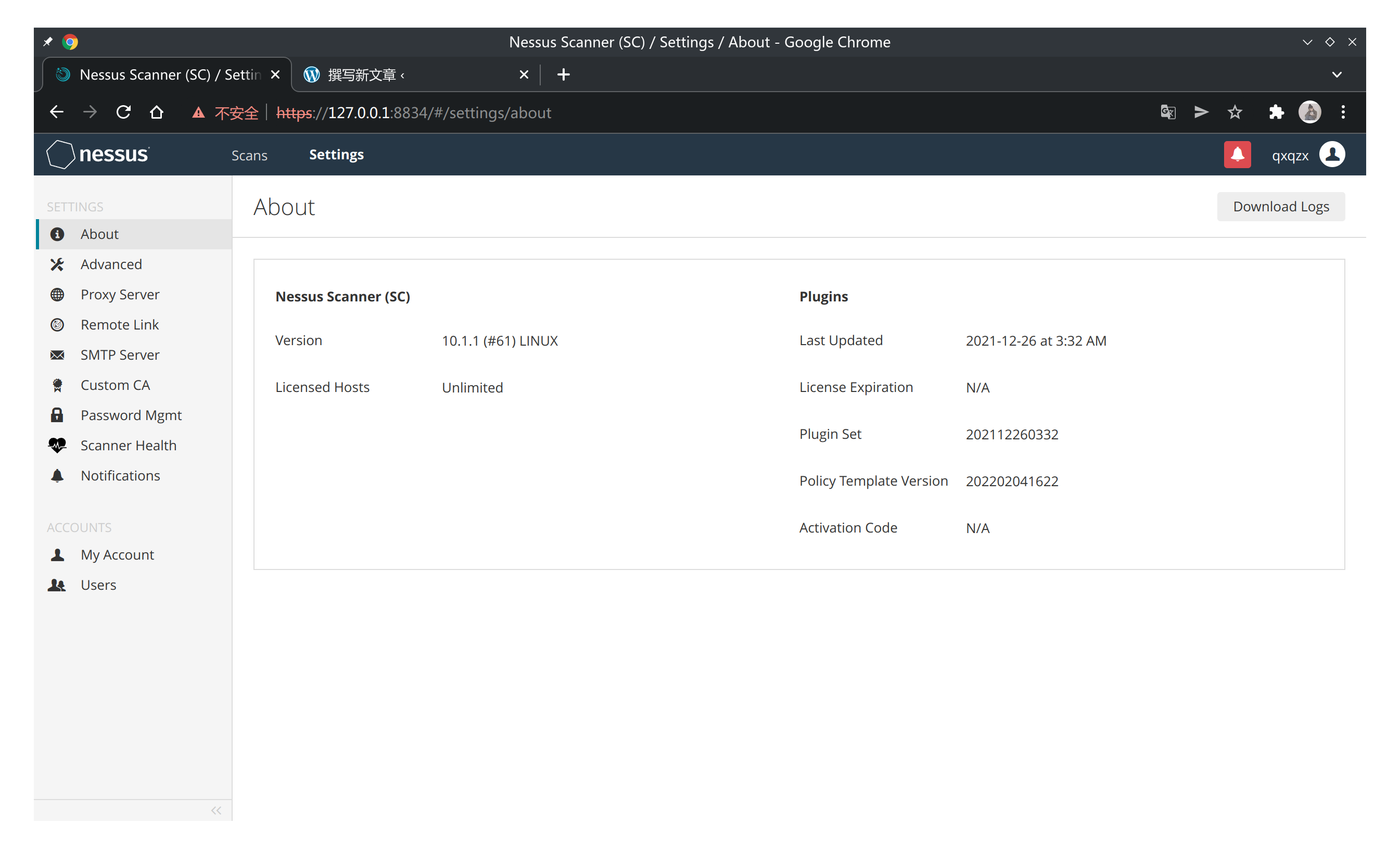
Archlinux 安装nessus破解版+插件
使用git 给gitee上传代码
centos nginx php环境开启php语法错误显示
其他Linux也可参考,大体都差不多 1 aur安装nessus paru -S nessus 2 启动nessus sudo systemctl start nessusd 3 浏览器进入可视化界面 http://ring0x.xyz:8834 4 选择最后一个-Managed Scanner>选择Tenable.sc>设置一个帐号密…
1 打开gitee官网,注册帐号,创建一个版本库,选择代码开源,代码类型选择,'php'别的可随意设置,设置好ssh公钥 2 安装git工具 例如我的版本库存地址为:"https://gitee.com/qxqz_x/shixun 首次使用git必须设置以下两项 #改为你自己的 git config --global user.name "你的名字…
在php.ini文件里面添加 lirdisplay_errors = On display_startup_errors = On error_reporting = E_ALL 然后 systemctl restart nginx systemctl restart php-fpm 这样网页端就会有php语法报错显示了
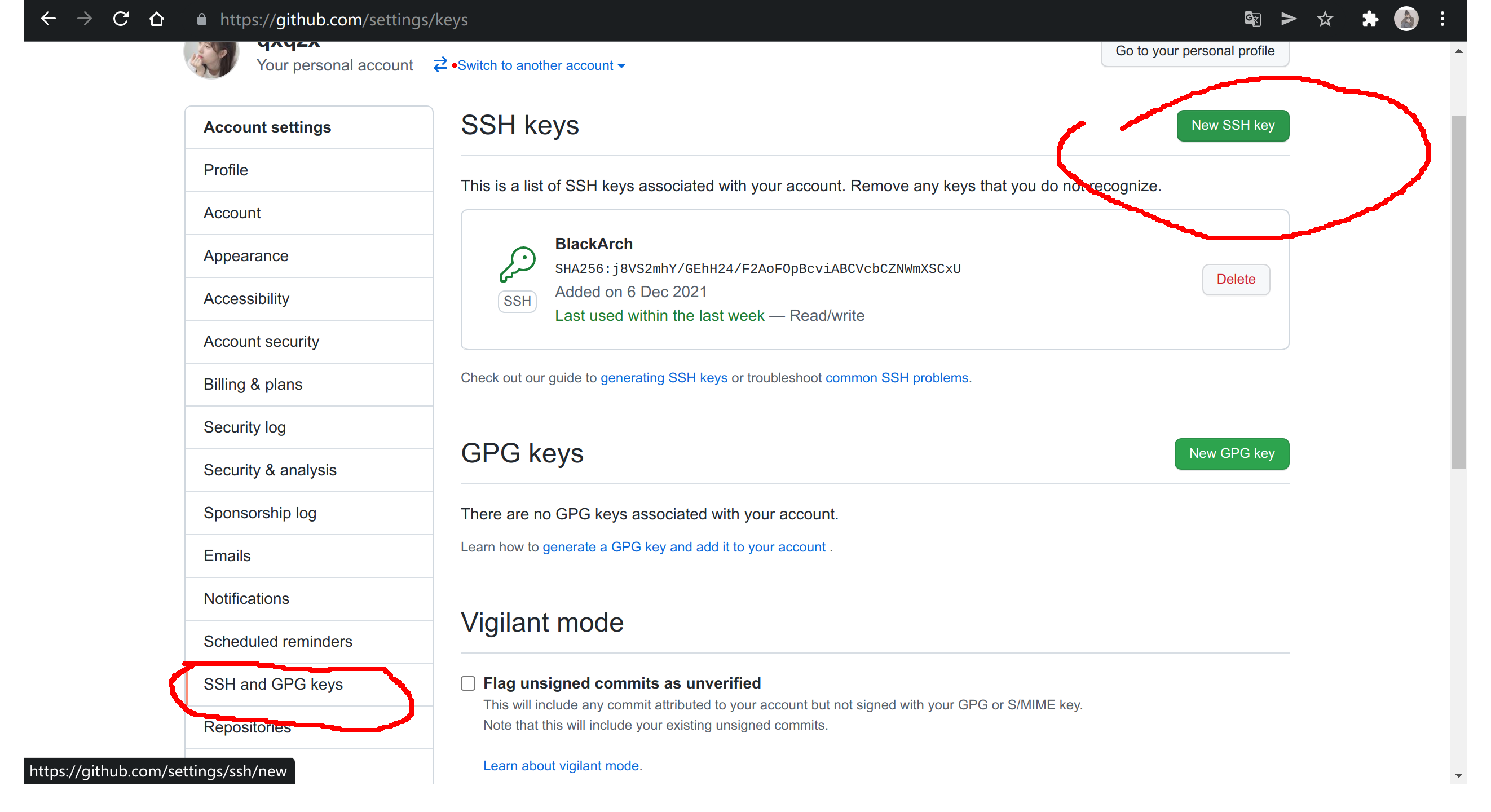
github git push免密码
首先生成密钥对 ssh-keygen -t rsa -C "youremail" 一路回车,然后将生成的位于~/.ssh/的id_rsa.pub的内容复制到你 github setting 里的 ssh key 中。 之前使用https克隆的项目,使用命令切换 git remote set-url origin git@github.com:you…

burpsuite_pro全平台通用版,需要安装jdk11 使用说明内置在压缩包里面了 下载链接:http://ring0x.xyz/b/burpsuite_pro.zip 服务器带宽有限,下载可能会比较慢,推荐采用百度网盘下载 度盘链接:https://pan.baidu.com/s/1V4WcWu7dKVs1NpUBY3Tb4g 提取码:tes…